Connect Outlook Calendar
Connect your Outlook calendar and your agent only offers callers times you're free, then adds each booking to it. It works with personal Outlook.com accounts and Microsoft 365 work or school accounts.
Before you start
- You can sign in to the Microsoft account whose calendar holds your appointments.
- More than one agent? Pick the agent at the top of the sidebar first. Each agent has its own calendars.
- Your opening hours are set on the Agent page, Opening hours tab.
Five steps
Open Integrations
Click Integrations in the sidebar. Under Calendars, find Outlook Calendar.
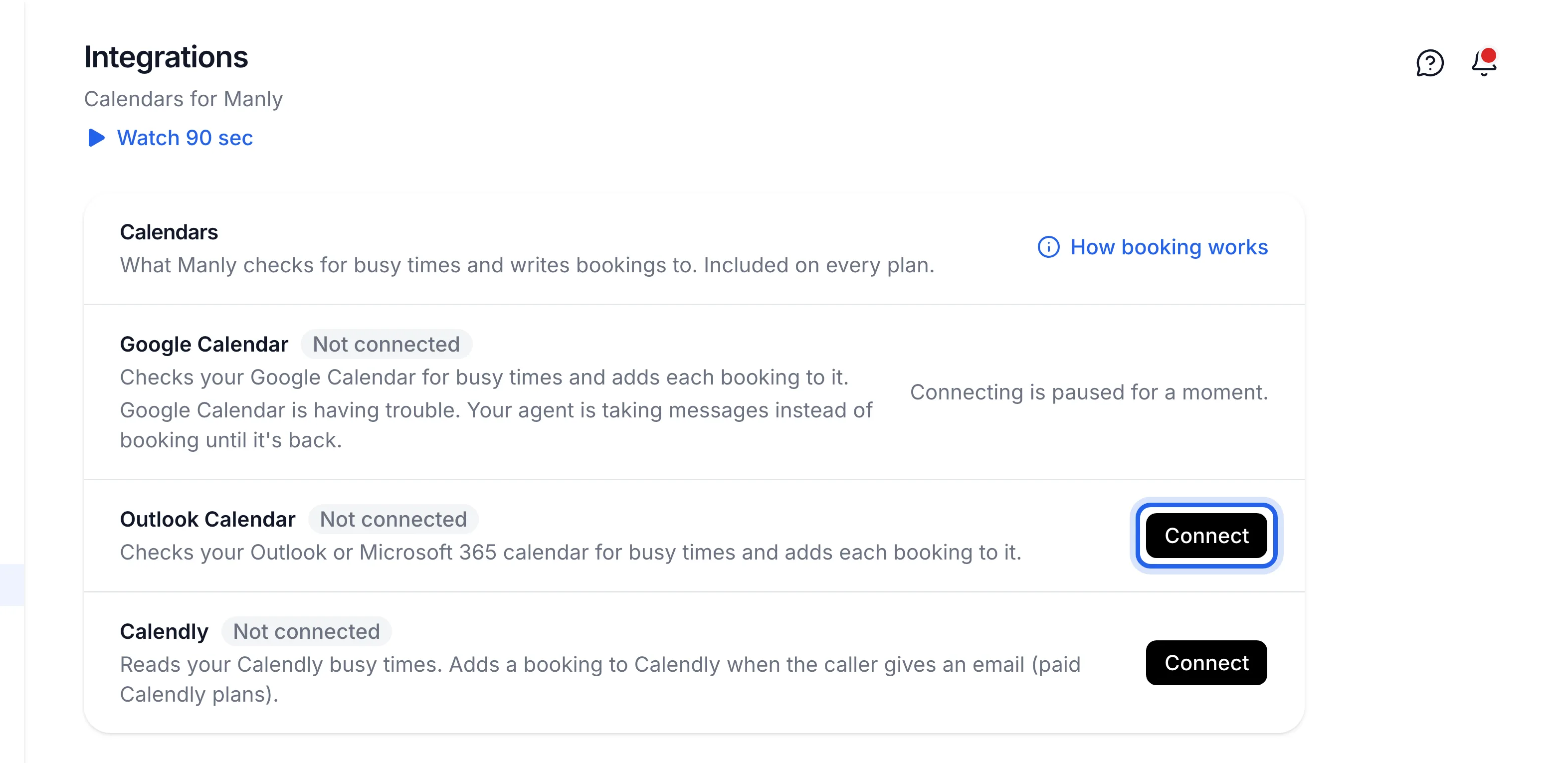
Click Connect next to Outlook Calendar
Microsoft's sign-in page opens.
Sign in and accept
Sign in with your Microsoft account and accept what Lightspire asks for. It reads and writes your calendar, so it can see when you're busy and add the bookings it makes.
Check it says Connected
Back on Integrations, you'll see "Outlook Calendar is connected to" your agent's name. The row shows Connected and your Microsoft email.
Book a test appointment
Ring your Lightspire number and book a time. The booking appears in your Outlook calendar, named with the service and the customer, for example "Check-up and clean: Sam Lee".
Lightspire uses your default Outlook calendar. Events you add straight into Outlook block that time for callers, but don't show on the Bookings page.
Integrations shows Outlook Calendar Connected with your Microsoft email, and your test booking appears in Outlook.
Turn it off
On Integrations, click Disconnect next to Outlook Calendar, then Disconnect Outlook Calendar. Your agent stops checking it and stops adding bookings. Bookings already in Outlook stay there.
If something's not right
Microsoft says I need an admin's approval
Some work accounts only let the IT admin approve apps. Ask whoever manages your Microsoft 365 to allow Lightspire, then click Connect again.
It says Disconnected or Error
Disconnected means access was removed or has expired: click Reconnect. Error means it didn't answer the last check; Lightspire tries again on the next call. Until it's fixed, your agent takes messages instead of booking.
Callers are offered times I'm busy
Only your default calendar is checked. Events in other Outlook calendars, or shared calendars, don't count. See My calendar isn't syncing.