Download a report of your calls and bookings
Get your calls and bookings on paper, or into a spreadsheet. Pick what goes in, which dates and which locations, then download a PDF or a CSV in one click.
Before you start
- You're signed in. Owners and team members can both download reports.
- Times in the report are in your business's time zone, set on Settings, Business tab. See Update your business details.
Five steps
Open Reporting
In the sidebar, under Activity, click Reporting.
Choose what the report contains
Under Report, pick one:
Report What's in it Summary Totals, answered and missed, durations, bookings and booking rate, top reasons, calls by day and hour Call log One row per call: date and time, agent, caller, duration, outcome and summary Bookings The bookings made in the period, with their time, agent, customer, service and status 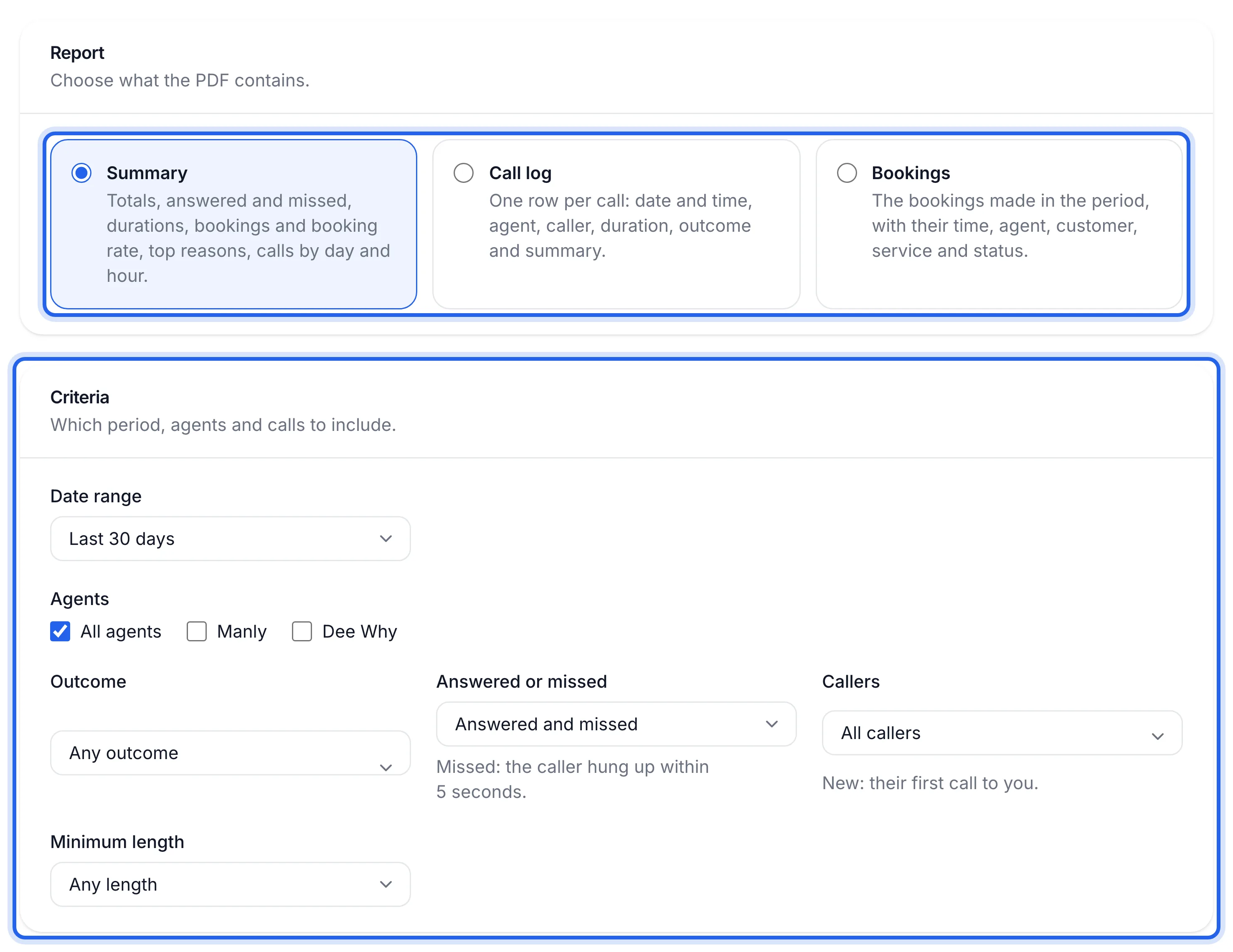
Pick the dates
Under Criteria, open Date range and choose Today, Last 7 days, Last 30 days, This month, Last month or Custom dates. With Custom dates, set From and To.
For a monthly report for your bookkeeper, choose Last month at the start of each month.
Choose agents and filter the calls
If you have more than one agent, tick All agents or just the locations you want.
For the Summary and Call log you can also narrow the calls:
Filter Options Outcome Any outcome, Booked, Message taken, Transferred, Missed, Other Answered or missed Answered and missed, Answered only, Missed only. Missed means the caller hung up within 5 seconds Callers All callers, New callers (their first call to you), Returning callers Minimum length Any length, 30 seconds or more, 1 minute or more, 2 minutes or more, 5 minutes or more The Bookings report lists every booking made in the period, so these call filters don't apply to it.
Download it
Check the line next to the download buttons. It says in words what you're about to get, such as "Every call from 1 Oct 2026 to 14 Oct 2026, all agents." Then click Download PDF to print or email it, or Download CSV to open it in Excel, Numbers or Google Sheets.
The PDF or CSV is in your downloads folder and shows the calls or bookings for the dates you picked.
If something's not right
The download buttons are greyed out
With Custom dates, both From and To need a date. Fill in the empty one.
The report is empty
Widen the date range, set Outcome to Any outcome and Minimum length to Any length, and tick All agents. Then download it again.
The times look wrong
Reports use your business's time zone. Check it under Settings, Business tab, Time zone.