Get your Australian number
Choose a plan, or start your free trial, and Lightspire gets you a local Australian landline number. Your agent answers it straight away.
Watch it done

Read the transcript
0:00 Get your Australian number
0:03 Your Lightspire number is a local Australian number. Your receptionist answers it whenever it rings.
0:10 After setting up your receptionist, choose how much talking time you need. Starter is 100 minutes, Growth 300 and Pro 800 a month. An average booking call takes about two minutes.
0:22 Choose a plan and pay in the side panel. Came from a demo link? You'll see a free trial instead, with no card.
0:29 Lightspire then finds a local number and connects your receptionist to it. It usually takes under a minute, and you don't need to do anything.
0:39 Your number shows with Copy and Call it buttons. Ring it from your mobile and ask to book. During setup, the page tells you the moment your call arrives.
0:47 Every call lands on the Calls page with a recording, a transcript and a short summary.
0:54 You'll always find your number on the Phone number page, with the divert steps for your carrier underneath.
1:01 Next, divert your existing number so your receptionist answers the calls you miss.
Before you start
- You've finished Set up your business and voice agent.
- A card for the plan, unless you're starting a free trial from your Lightspire demo link.
- Your mobile, to ring the new number once it's ready.
Five steps
Choose a plan, or start your free trial
On Choose how much talking time you need, click Choose Starter, Choose Growth or Choose Pro. Payment opens in a side panel, handled by Stripe.
Plan Price a month Talking time a month Starter A$49 100 minutes Growth A$129 300 minutes Pro A$299 800 minutes Prices include GST. An average booking call is about two minutes of talking time. Got a code? Use Have a promo code? under the plans.
Came from your demo link? You'll see Your free trial is ready instead: 14 days and 30 minutes of talking time, no card needed. Click Start my free trial. For help choosing, see Choose a plan.
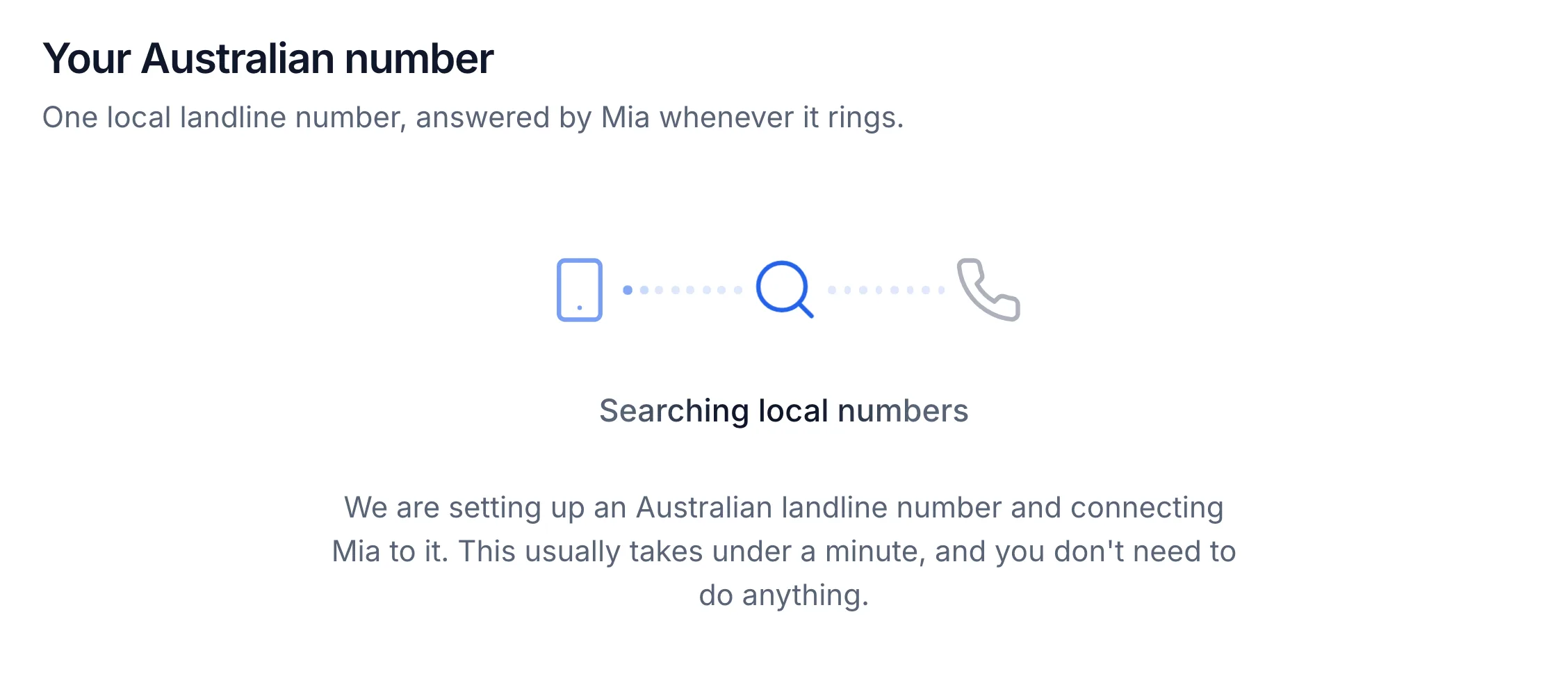
Wait while your number is set up
The Your Australian number step finds a number and connects your agent to it. It usually takes under a minute, and you don't need to do anything.
Note your new number
Your number appears under Your Australian number, with Copy and Call it buttons. Your agent answers it from now on.
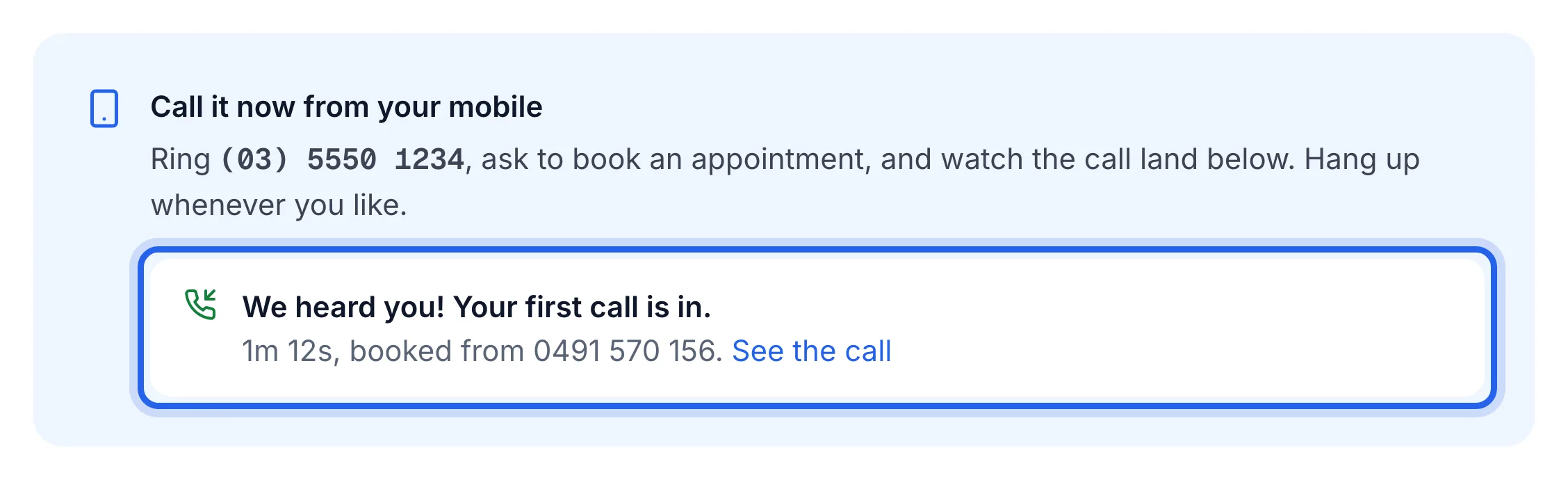
Ring it from your mobile
Under Call it now from your mobile, ring the number and ask to book an appointment. The box says Waiting for your call…, then We heard you! Your first call is in. Click See the call to open it.
Go to your dashboard
Click Go to my dashboard. You'll find your number any time on the Phone number page, under Your Lightspire number, with Answered by and your agent's name.
The same step shows Forward your existing number. You can do it now, or later from the Phone number page. See Divert your calls to Lightspire.
The Phone number page shows your number with a green Live badge, and your test call is on the Calls page.
If something's not right
It says "Your number is taking a little longer than usual"
The carrier is still finishing it. You can leave the page: Lightspire emails you when it's ready, with the subject "Your Lightspire number is ready". Click Check again, or Proceed to your dashboard and carry on. Until then the Phone number page shows Being set up and a Try again button.
It says "We could not get a number yet"
Click Try again. If it still doesn't work, email support@lightspire.ai and we'll sort it out.
I'd like a number with my own area code
Your number gets your state's area code: 02 for NSW and the ACT, 03 for Victoria and Tasmania, 07 for Queensland, 08 for SA, WA and the NT. Lightspire reads the state from your business address; if the address doesn't say, the number step asks Which state is your business in? first. If there's no free number in your state right now, it says so: click Take an 02 number (or whichever is nearest), or Email me when an 03 is free. To change it later, open Phone number and click Change state. A new area code means a new number: the old one stops answering straight away, so change your divert too. You can't pick a particular number.
Ringing the number gives "can't take calls right now"
Your agent is paused or the plan isn't active. Check the card at the top of the Agent page. See Pause or resume answering calls.