Use a promo code
Got a Lightspire promo code? Enter it on Billing. With no plan yet, it starts a free trial; on a plan or a trial, it adds free talking time.
Before you start
- You're the account owner. Only the owner can enter promo codes.
- The code, exactly as you were given it. Letters, numbers and dashes; capitals are added for you.
Three steps
Open Billing
In the sidebar, under Account, click Billing. If you're still setting up your account, the same option is on the step where you choose a plan.
Enter the code
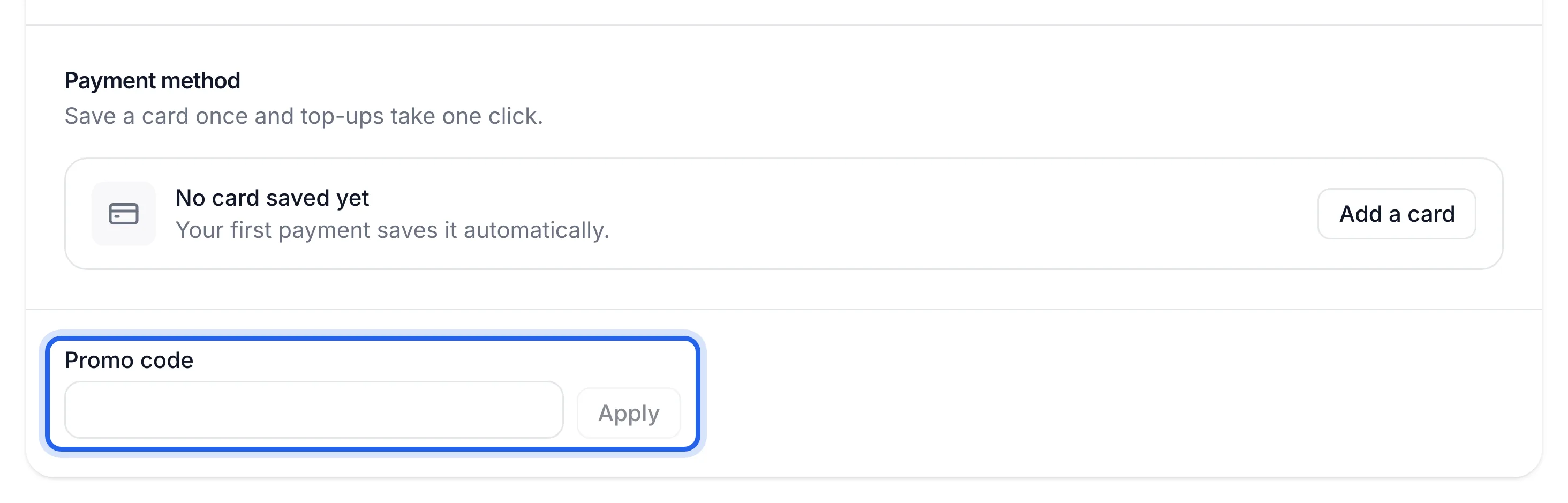
On the Plan and usage tab, scroll to the bottom and click Have a promo code?. Type your code into Promo code and click Apply.
See what it gave you
What happens depends on where your account is:
Your account What the code does What you'll see No plan yet Starts a free trial with the code's talking time "Your free trial has started with {n} minutes of talking time" On a plan or a trial Adds the code's minutes to your account "{n} minutes of talking time added" You also get an email confirming it. Added minutes are kept as top-up minutes, so they stay on your account while your plan is active and are used after your plan's minutes.
A free trial from a promo code can include a second agent for another location, free during the trial. See Add an agent for another location.
Talking time left under Usage this period has gone up, or Billing shows Free trial with the code's minutes. The Minute history tab shows a Promo code or Free trial line.
If something's not right
"That promo code isn't valid"
Check the spelling, including any dashes. Letters O and I are easy to mix up with the numbers 0 and 1.
"That promo code has expired" or "has been fully used"
The code is no longer available. Ask whoever gave it to you for a new one.
"You've already used this promo code"
Each code works once per account. The minutes from the first time are already on your account; check the Minute history tab.